Highlighting the Active Header
Understand how to highlight the active header in a Marionette.js application by managing header states with Backbone.picky and routing controllers. Learn to synchronize menu item highlighting with URL fragments for consistent navigation feedback.
We'll cover the following...
We'll cover the following...
Right now, our header menu looks like this:

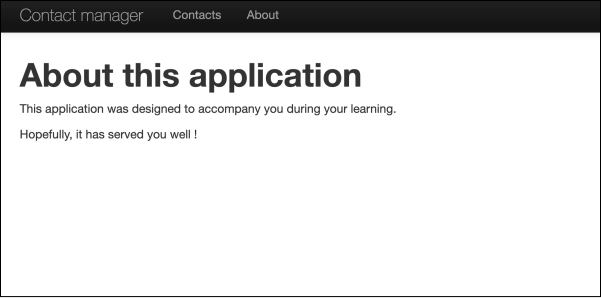
Our current menu
We’d like it to look like this:
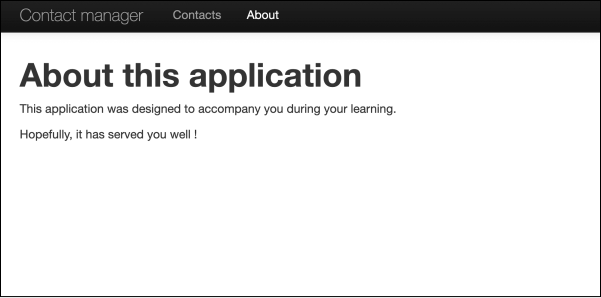
The menu with the active header highlighted
Note: Depending on the screen, you may not be able to readily notice the difference. In the second image, the “About” header is white, while in the first one, it’s grey like the other headers.
Setting up the currently active header
The first thing we need is a method in our header ...