AI-powered learning
Save this course
Introduction to Marionette.js – The Backbone Framework
Delve into Marionette.js for building JavaScript applications. Gain insights into class objects, views, templates, event handling, collections, routing, and web storage for interactive client-server development.
92 Lessons
28h
Join 3.1 million developers at
Join 3.1 million developers at
LEARNING OBJECTIVES
- An understanding of Marionette and its application to build a contact management application
- Familiarity with the difference between views and templates in Marionette
- Hands-on experience in displaying the collection on the application's main page by using CompositeView
- Hands-on experience using CollectionView, to list our collection and apply sorting by using the comparator option
- Hands-on experience in adding routing to an application for quick navigation using Marionette
- The ability to add web storage persistence to retain the data modified by the user using Marionette
- Working knowledge of adding several buttons, adding events, bubbling, triggers, and animations in Marionette
Learning Roadmap
1.
Introduction
Introduction
Get familiar with Marionette.js to build interactive, well-structured client-server applications.
2.
Displaying a Static View
Displaying a Static View
Unpack the core of creating static views, dynamic templates, and modifying the DOM in Marionette.js.
3.
Displaying a Model
Displaying a Model
4 Lessons
4 Lessons
Work your way through displaying and managing model content for dynamic web applications.
4.
Displaying a Collection of Models
Displaying a Collection of Models
6 Lessons
6 Lessons
Apply your skills to manage and display collections of models using Marionette.js.
5.
Structuring Code with Modules
Structuring Code with Modules
7 Lessons
7 Lessons
Refactor your application by structuring and organizing code into modular sub-applications.
6.
Creating Tables in Views
Creating Tables in Views
6 Lessons
6 Lessons
Tackle creating and managing CompositeViews in Marionette.js, focusing on tables, events, and practical exercises.
7.
Events, Bubbling, and TriggerMethod
Events, Bubbling, and TriggerMethod
6 Lessons
6 Lessons
Practice using events, bubbling, and TriggerMethod for efficient interaction management in Marionette.js.
8.
Displaying Contacts in Dedicated Views
Displaying Contacts in Dedicated Views
2 Lessons
2 Lessons
Try out displaying contacts in dedicated views with event handling and sub-modules.
9.
Implementing Routing
Implementing Routing
9 Lessons
9 Lessons
Get started with implementing routing in Marionette.js for efficient user navigation and state management.
10.
Dealing with Persisted Data
Dealing with Persisted Data
4 Lessons
4 Lessons
Examine adding local storage, loading and deleting contacts in Marionette.js.
11.
Handling Data Latency
Handling Data Latency
7 Lessons
7 Lessons
Break down the steps to handle data latency in Marionette.js applications effectively.
12.
Managing Forms
Managing Forms
4 Lessons
4 Lessons
Take a closer look at managing forms, editing contacts, saving modifications, and validating data in Marionette.js.
13.
Displaying a Modal Window
Displaying a Modal Window
3 Lessons
3 Lessons
Implement modal functionality, views, and form data handling for efficient contact editing.
14.
Complex Views and Base Views
Complex Views and Base Views
5 Lessons
5 Lessons
Build on managing complex views, enhancing user experience, and maintaining organized code.
15.
Managing Dialogs with a Dedicated Region
Managing Dialogs with a Dedicated Region
2 Lessons
2 Lessons
Step through managing modal dialogs with a dedicated region in Marionette.js.
16.
Filtering Contacts
Filtering Contacts
5 Lessons
5 Lessons
Get started with filtering contacts, using collections, empty views, and optional routes.
17.
Addition to Sub-Application
Addition to Sub-Application
7 Lessons
7 Lessons
Work your way through adding sub-applications, setting models, templates, views, and navigation.
18.
Conclusion
Conclusion
2 Lessons
2 Lessons
Apply your skills to create and manage dynamic web applications with Marionette.js.
19.
Appendix: Using Web Storage for Persistence
Appendix: Using Web Storage for Persistence
5 Lessons
5 Lessons
Map out the steps for using web storage for data persistence in Marionette.js.
20.
Appendix: Creating a FilteredCollection
Appendix: Creating a FilteredCollection
2 Lessons
2 Lessons
Tackle creating and managing FilteredCollections in Marionette.js for efficient data handling.
Certificate of Completion
Showcase your accomplishment by sharing your certificate of completion.
Complete more lessons to unlock your certificate
Developed by MAANG Engineers
ABOUT THIS COURSE
Marionette is an extension of Backbone that is very popular in building various JavaScript applications with a client-server system. It introduces a method for creating applications where you can define a class object that handles the entire application and acts as its root.
You’ll learn the differences between views and templates. Next, you will cover displaying a model with a default value and use events to generate alerts. Then you’ll cover collectionView and CompositeView, to list contacts and display the column headers on the application’s main page, respectively. You will also learn to add routing to an application for quick navigation and implement web storage persistence. Then, you will learn how to add navigation and highlight menu items on the application’s main page.
This course will help you build highly interactive JavaScript applications as a web developer. It will further empower you to develop your applications by understanding Marionette.
Trusted by 3.1 million developers working at companies
A
Anthony Walker
@_webarchitect_
E
Evan Dunbar
ML Engineer
S
Software Developer
Carlos Matias La Borde
S
Souvik Kundu
Front-end Developer
V
Vinay Krishnaiah
Software Developer
Built for 10x Developers
No Passive Learning
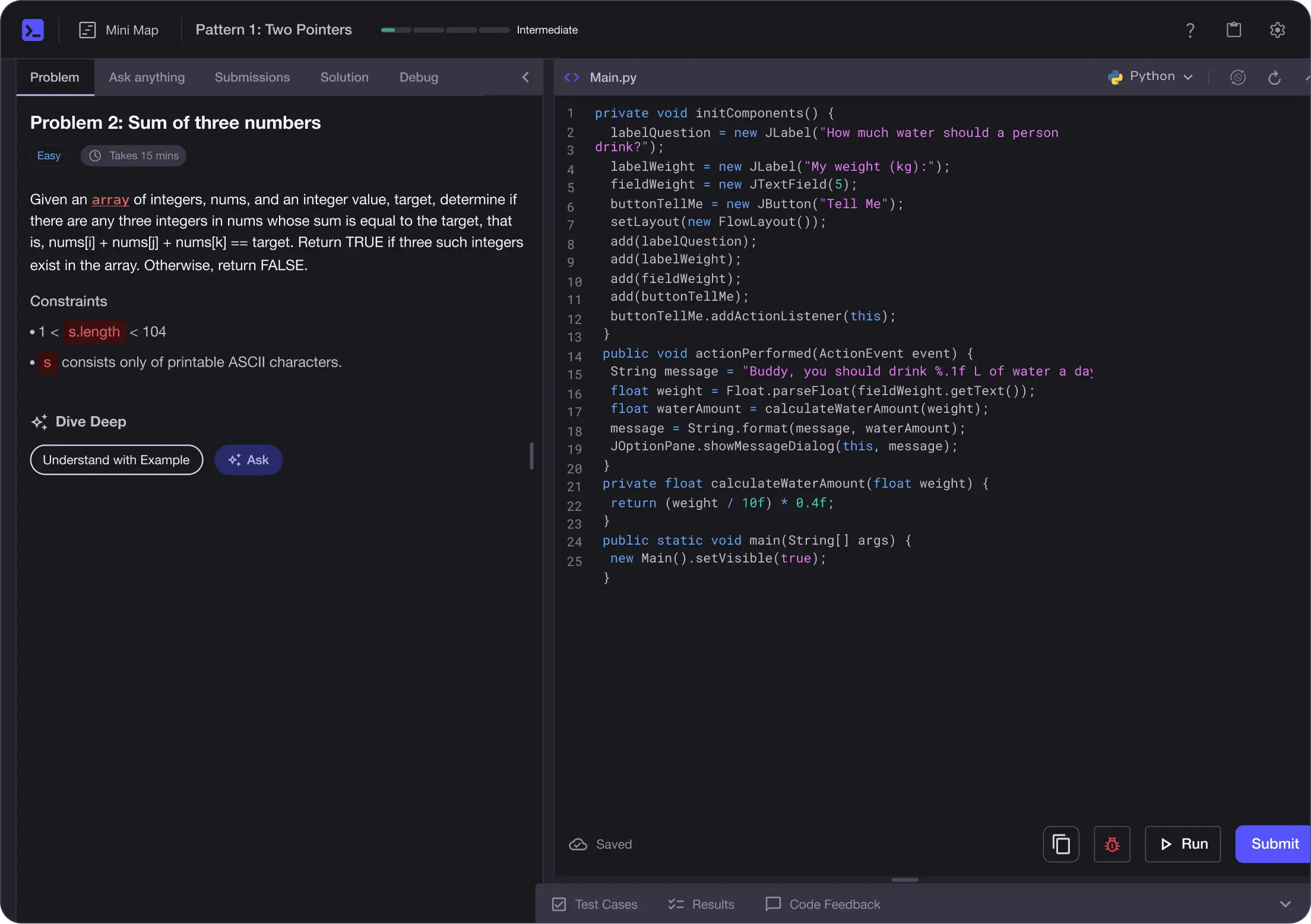
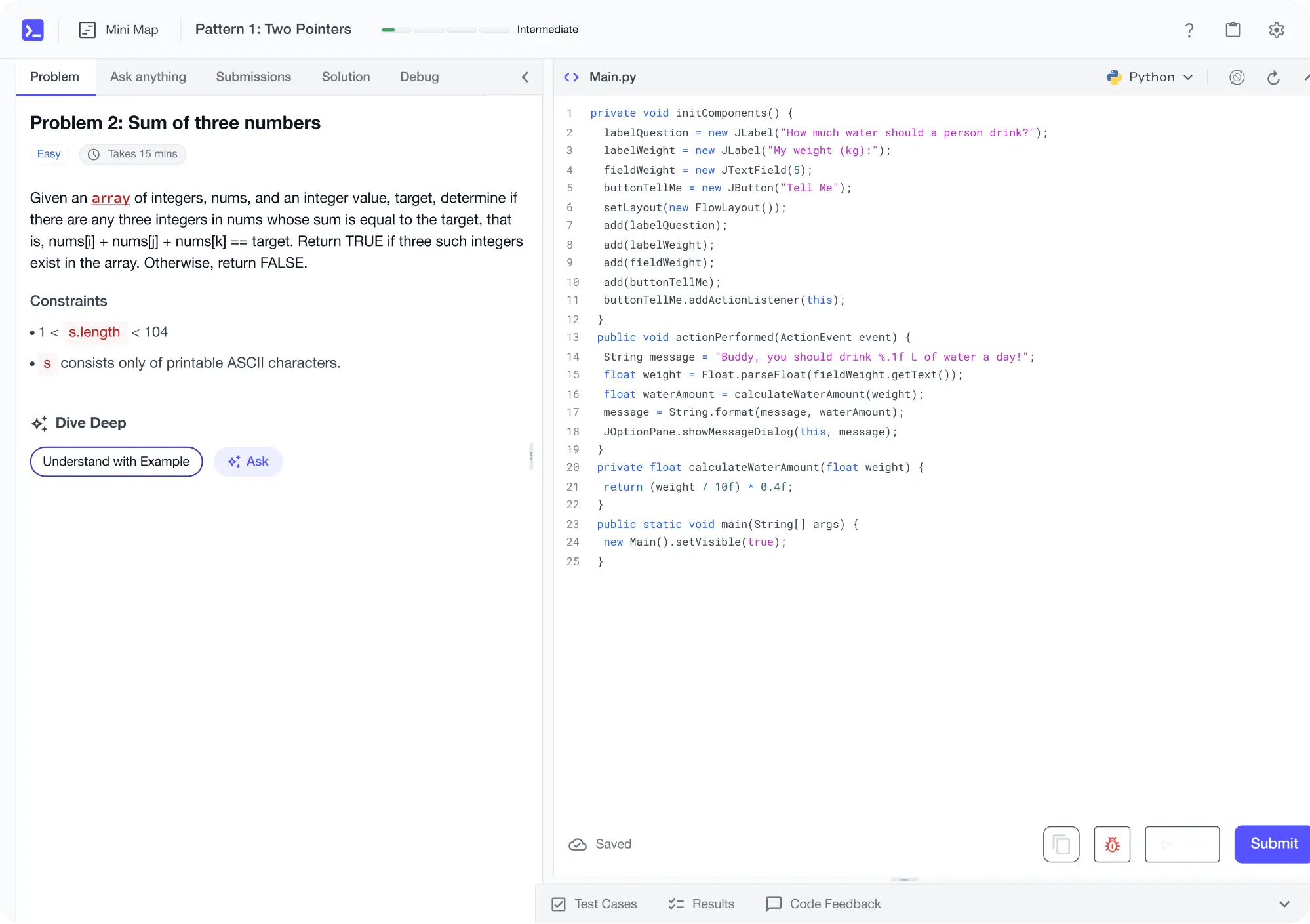
Learn by building with project-based lessons and in-browser code editor
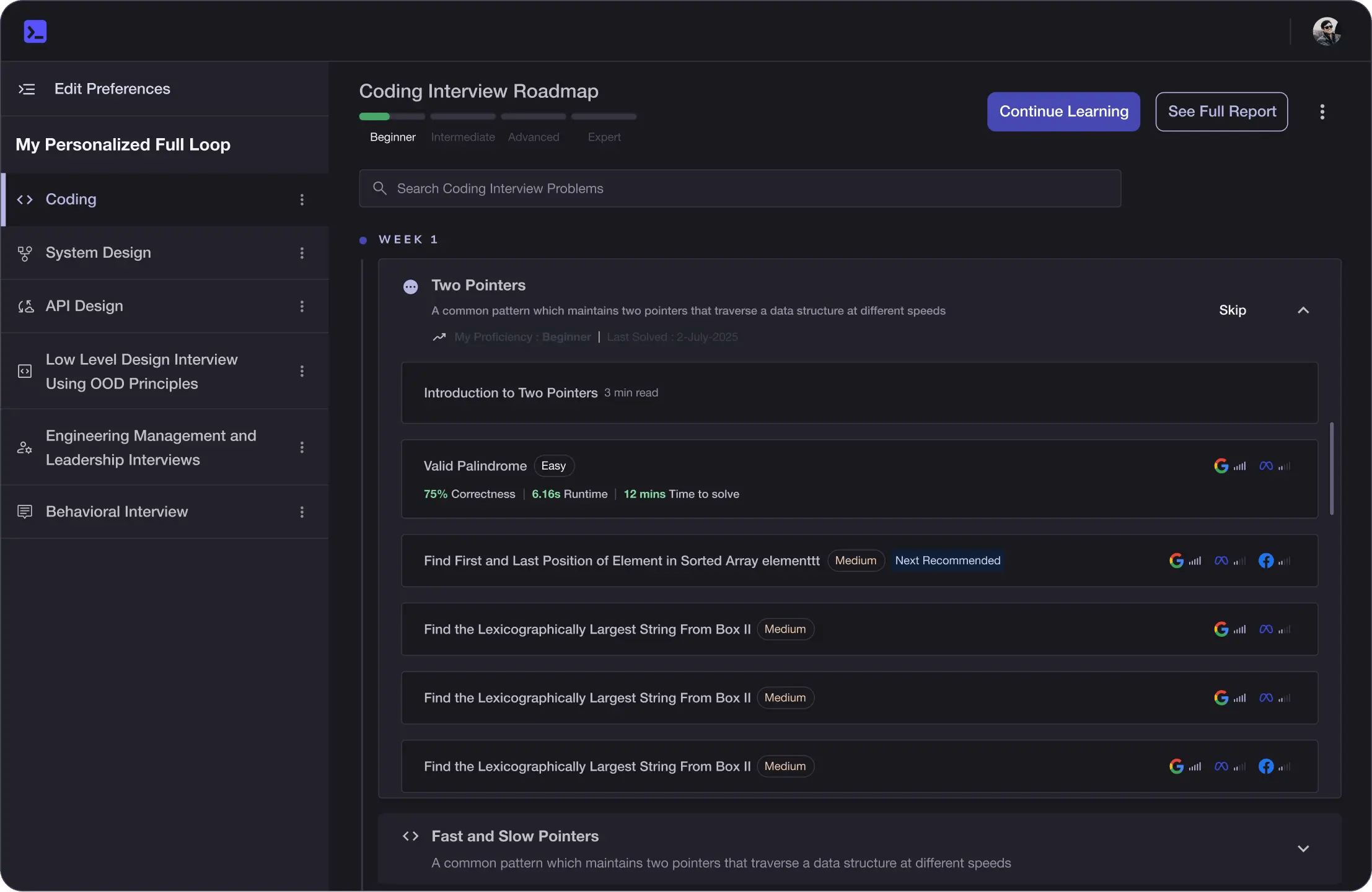
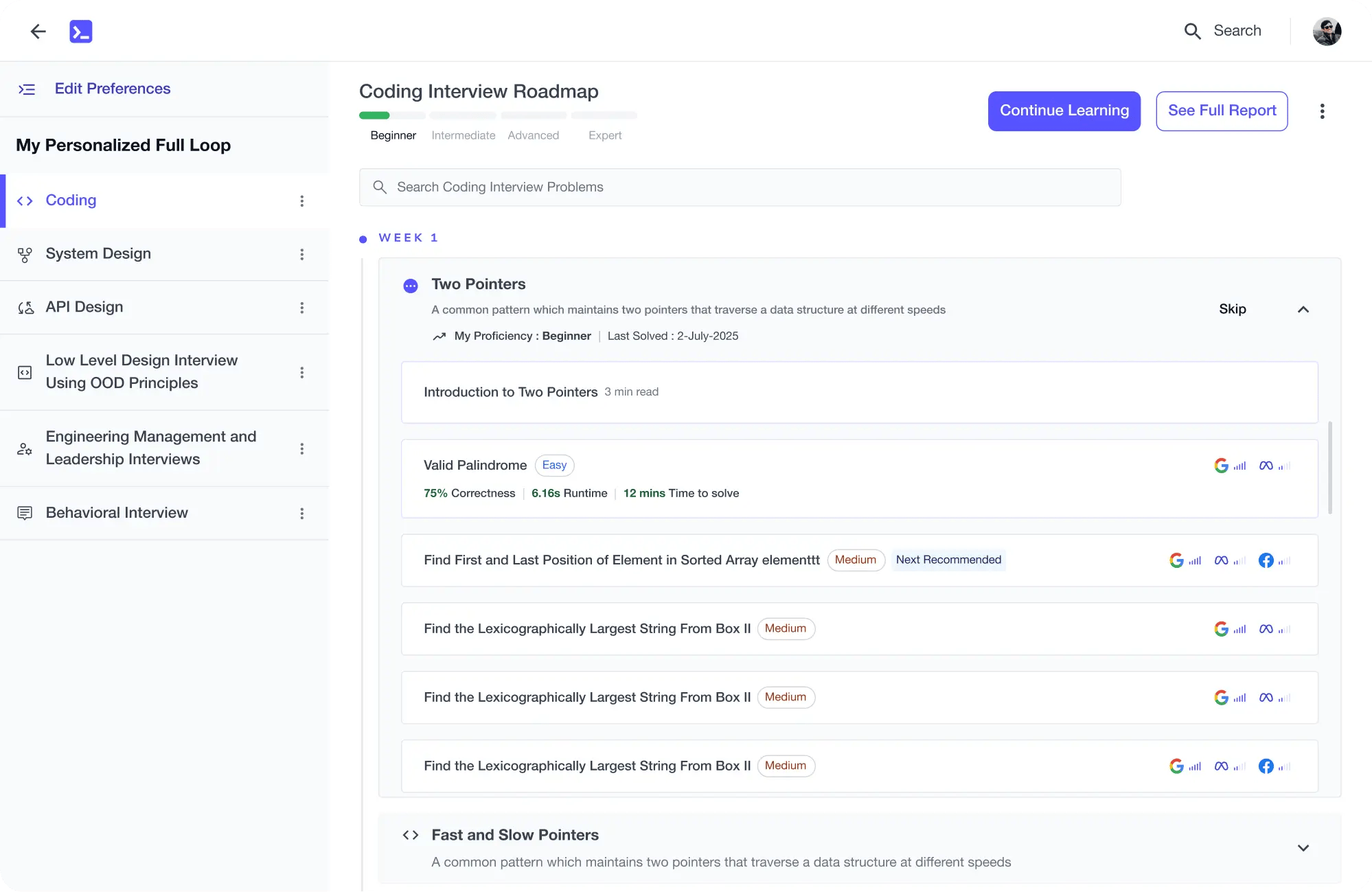
Personalized Roadmaps
The platform adapts to your strengths & skills gaps as you go
Future-proof Your Career
Get hands-on with in-demand skills
AI Code Mentor
Write better code with AI feedback, smart debugging, and "Ask AI"
MAANG+ Interview Prep
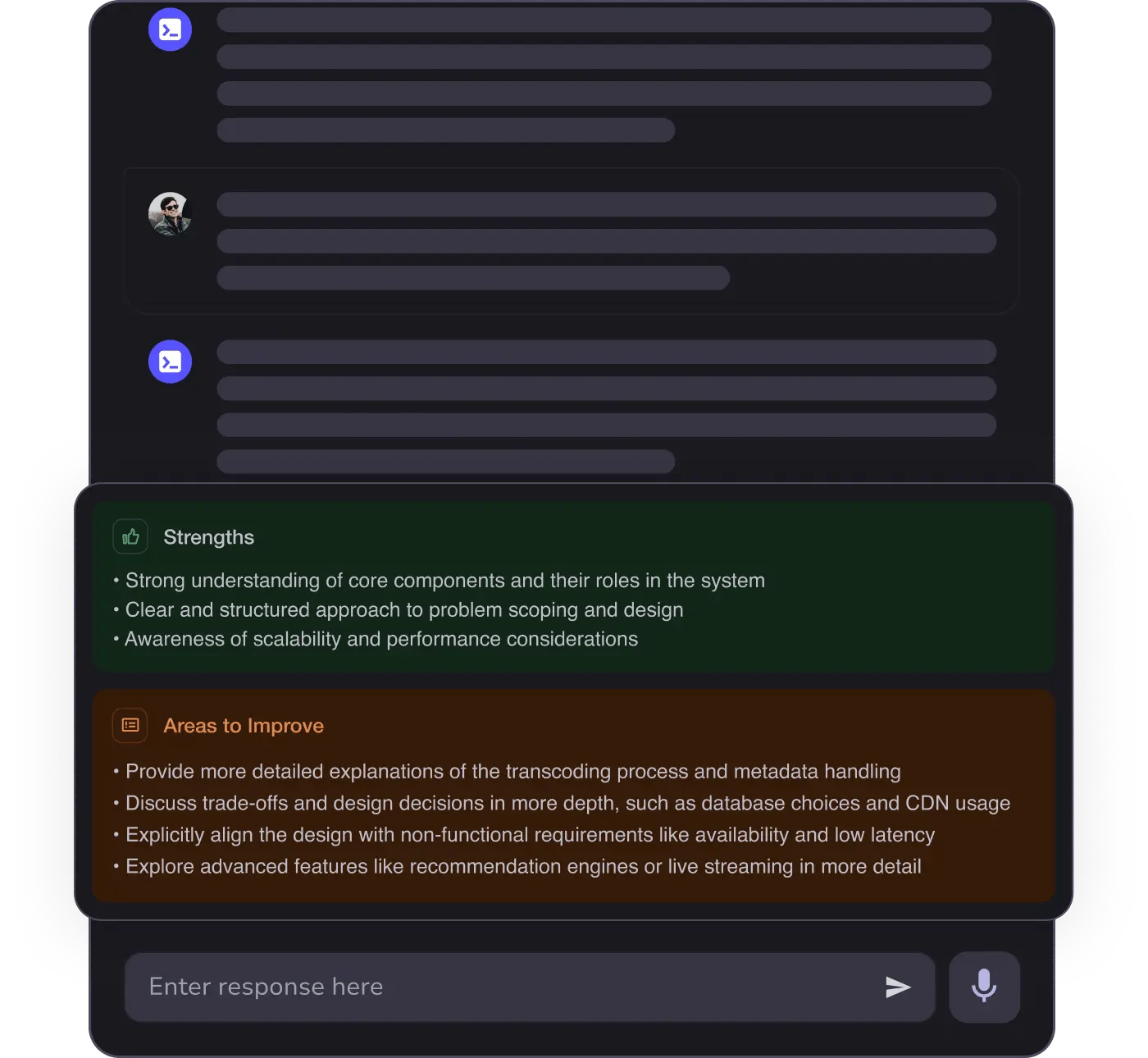
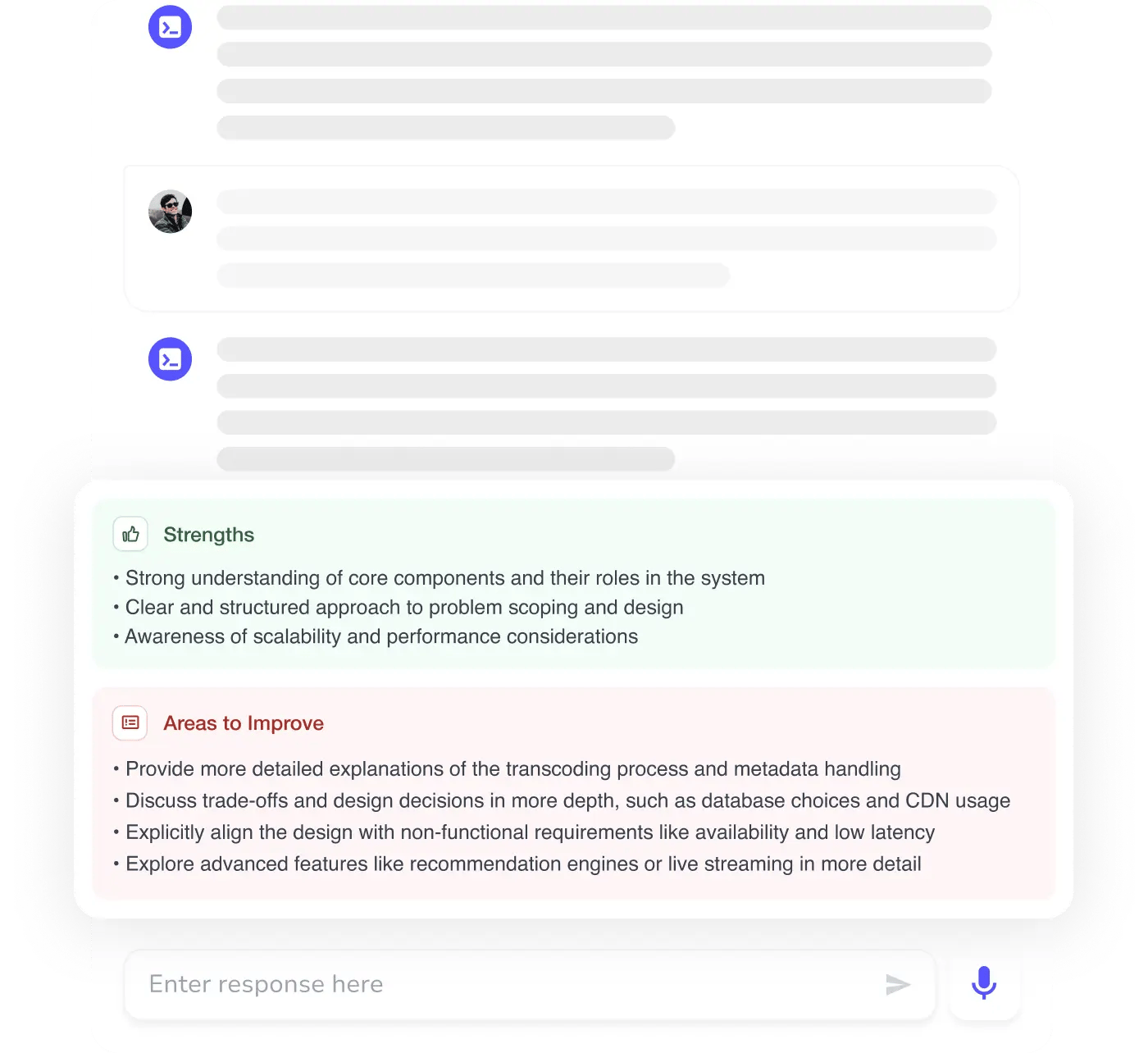
AI Mock Interviews simulate every technical loop at top companies