AI-powered learning
Save this course
Web Scraping with Puppeteer
Learn web scraping with Puppeteer, covering setup, navigation, data extraction, advanced techniques, and storing data in formats like JSON or CSV to enhance your career opportunities.
5.0
43 Lessons
5h
Join 3 million developers at
Join 3 million developers at
LEARNING OBJECTIVES
- An understanding of web scraping and its applications
- Knowledge of Puppeteer from basics to advanced concepts
- Familiarity with exporting scraped data to different formats
- Hands-on experience with Puppeteer on real-world examples
- The ability to debug and troubleshoot issues
- An understanding of best practices in web scraping
Learning Roadmap
1.
Introduction
Introduction
Get familiar with web scraping fundamentals, ethical practices, and Puppeteer techniques for data extraction.
2.
Introduction to Web Scraping
Introduction to Web Scraping
Look at the fundamentals of web scraping, its importance, website architecture, and legal considerations.
3.
Puppeteer Fundamentals
Puppeteer Fundamentals
9 Lessons
9 Lessons
Go hands-on with web scraping using Puppeteer, from navigation to request interception.
4.
Advanced Concepts
Advanced Concepts
7 Lessons
7 Lessons
Grasp the fundamentals of handling URL parameters, pagination, infinite scrolling, authentication, and captchas in Puppeteer.
5.
Storing Scraped Data
Storing Scraped Data
6 Lessons
6 Lessons
Map out the steps for storing, exporting, and managing scraped data using Puppeteer.
6.
Scraping a Book Store
Scraping a Book Store
8 Lessons
8 Lessons
Follow the process of scraping book categories, details, images, and quotes using Puppeteer.
7.
Best Practices for Web Scraping
Best Practices for Web Scraping
2 Lessons
2 Lessons
Practice using Puppeteer's methods to manage dynamic content and handle errors efficiently.
8.
Conclusion
Conclusion
4 Lessons
4 Lessons
Sharpen your skills in web scraping with Puppeteer, ethical practices, and future trends.
Certificate of Completion
Showcase your accomplishment by sharing your certificate of completion.
Complete more lessons to unlock your certificate
Developed by MAANG Engineers
ABOUT THIS COURSE
Puppeteer is a Node.js library for automating web browsers and extracting data from websites. In this course, you’ll learn how to harness the full potential of Puppeteer to scrape data from the web efficiently and effectively.
You’ll start with an introduction to web scraping, covering the basics and its applications. Next, you’ll delve into Puppeteer fundamentals, including setup, web page navigation, and data extraction using selectors. Advanced concepts like handling pagination, scrolling, and authentication for dynamic websites will be explored. You’ll also learn how to store scraped data in various formats, including JSON and CSV, and best practices for web scraping. Finally, you’ll explore the future directions of web scraping.
By the end of this course, you’ll be able to apply your web scraping skills to gather data for analysis, research, or automation purposes, opening up new opportunities in your career.
ABOUT THE AUTHOR
Sidath Munasinghe
Technical Lead who is enthusiastic about cloud computing and enterprise software design. A tech blogger who share insights and embrace emerging technologies.
Trusted by 3 million developers working at companies
A
Anthony Walker
@_webarchitect_
E
Evan Dunbar
ML Engineer
S
Software Developer
Carlos Matias La Borde
S
Souvik Kundu
Front-end Developer
V
Vinay Krishnaiah
Software Developer
Built for 10x Developers
No Passive Learning
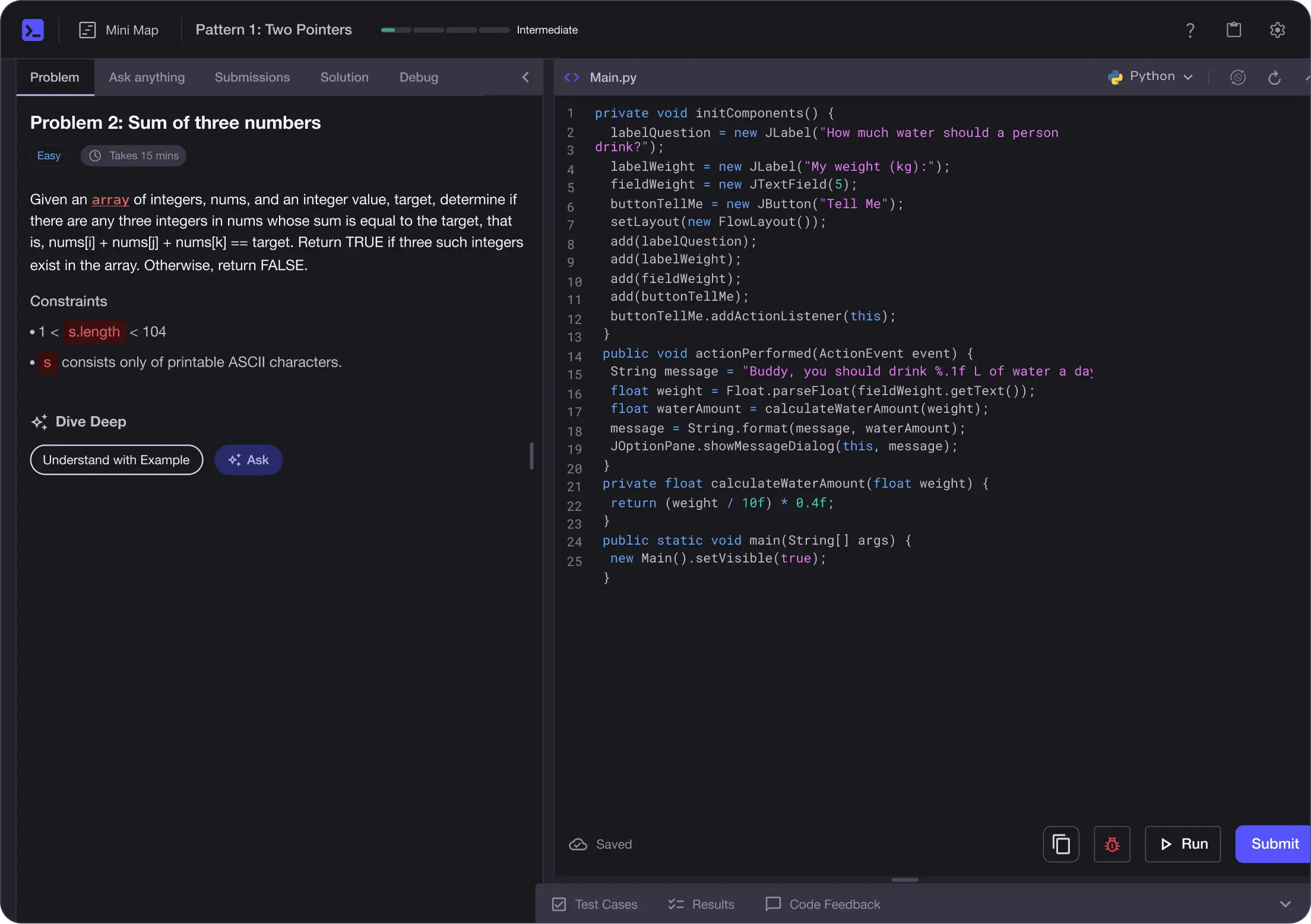
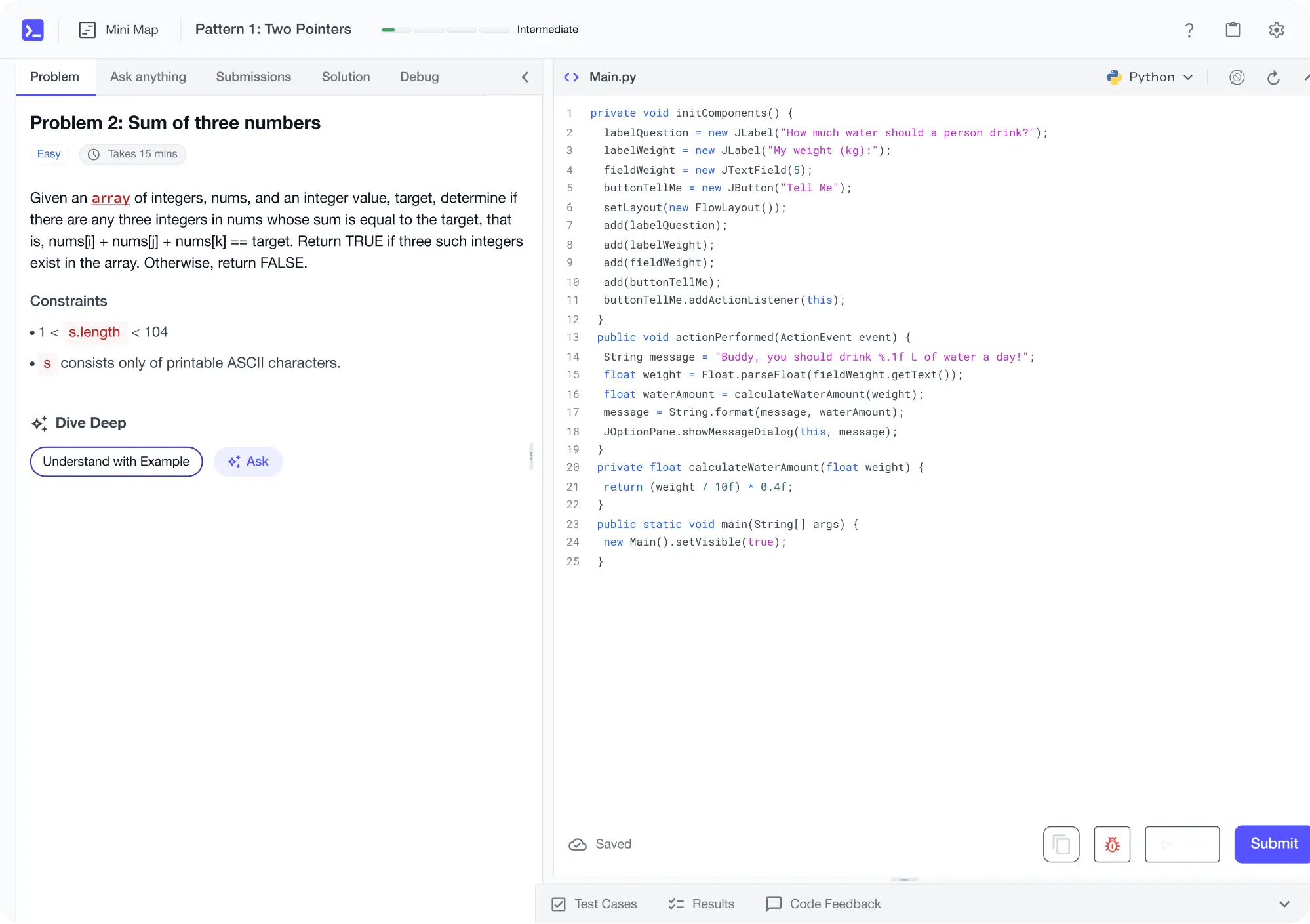
Learn by building with project-based lessons and in-browser code editor
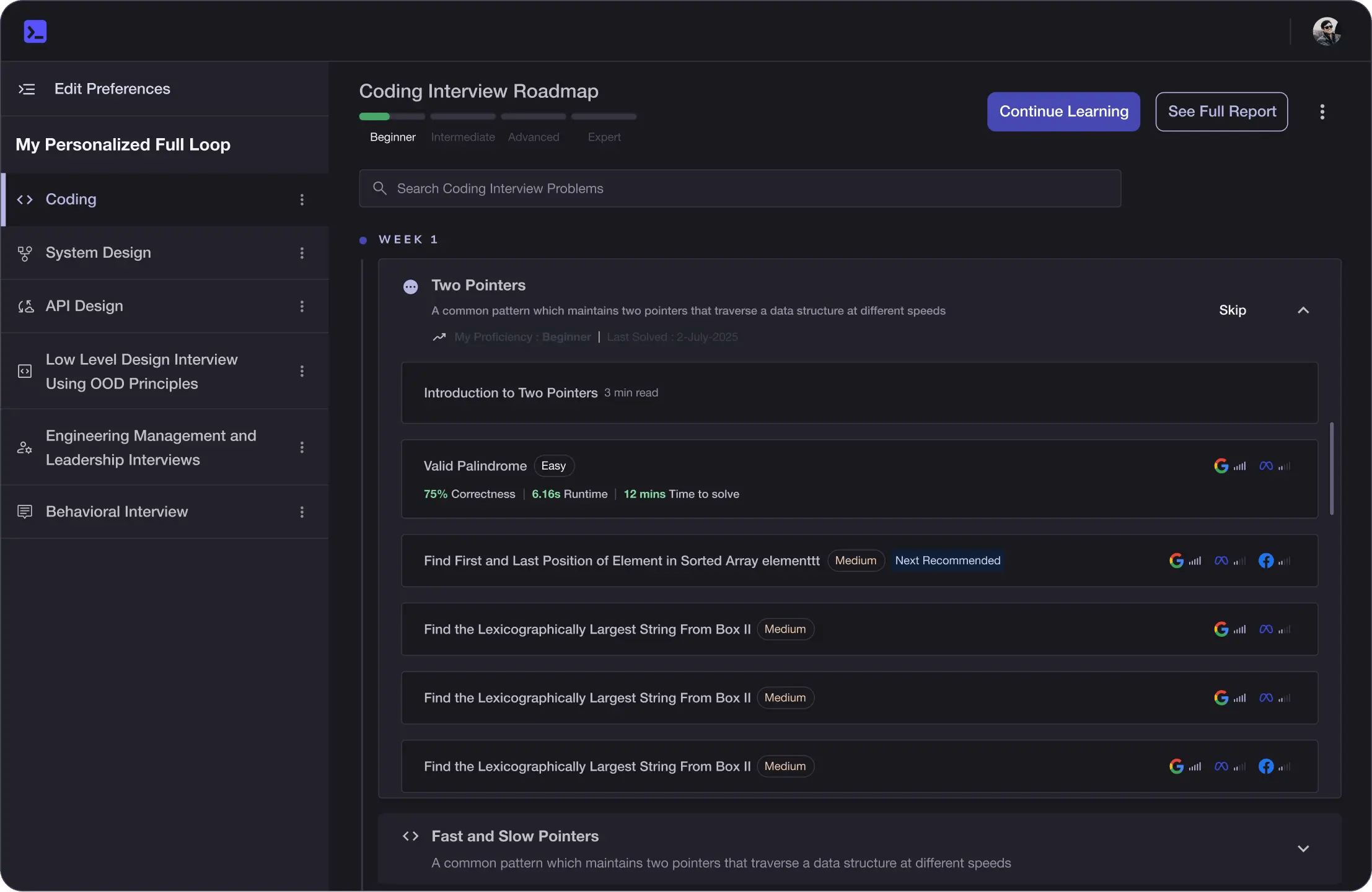
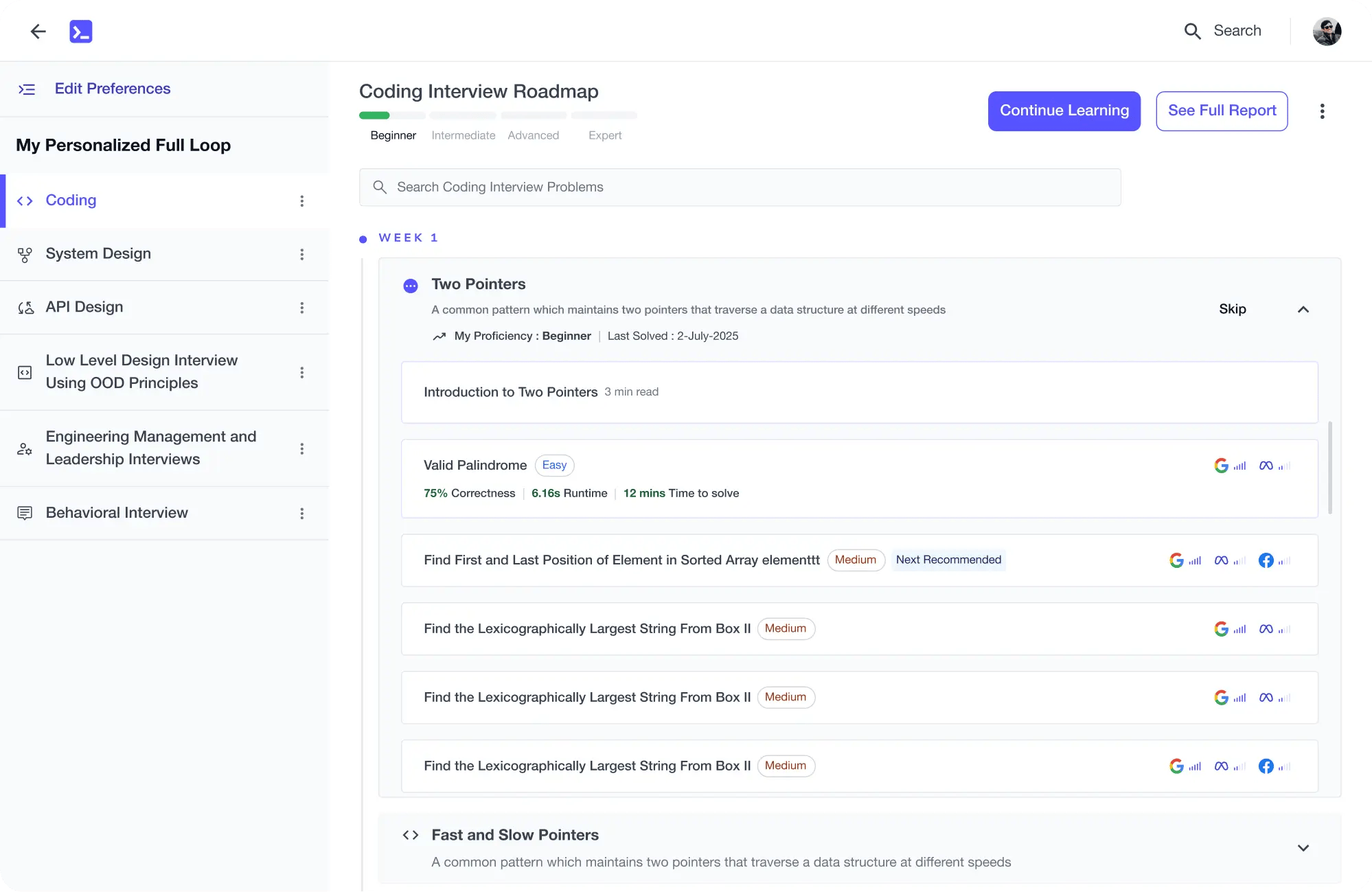
Personalized Roadmaps
The platform adapts to your strengths & skills gaps as you go
Future-proof Your Career
Get hands-on with in-demand skills
AI Code Mentor
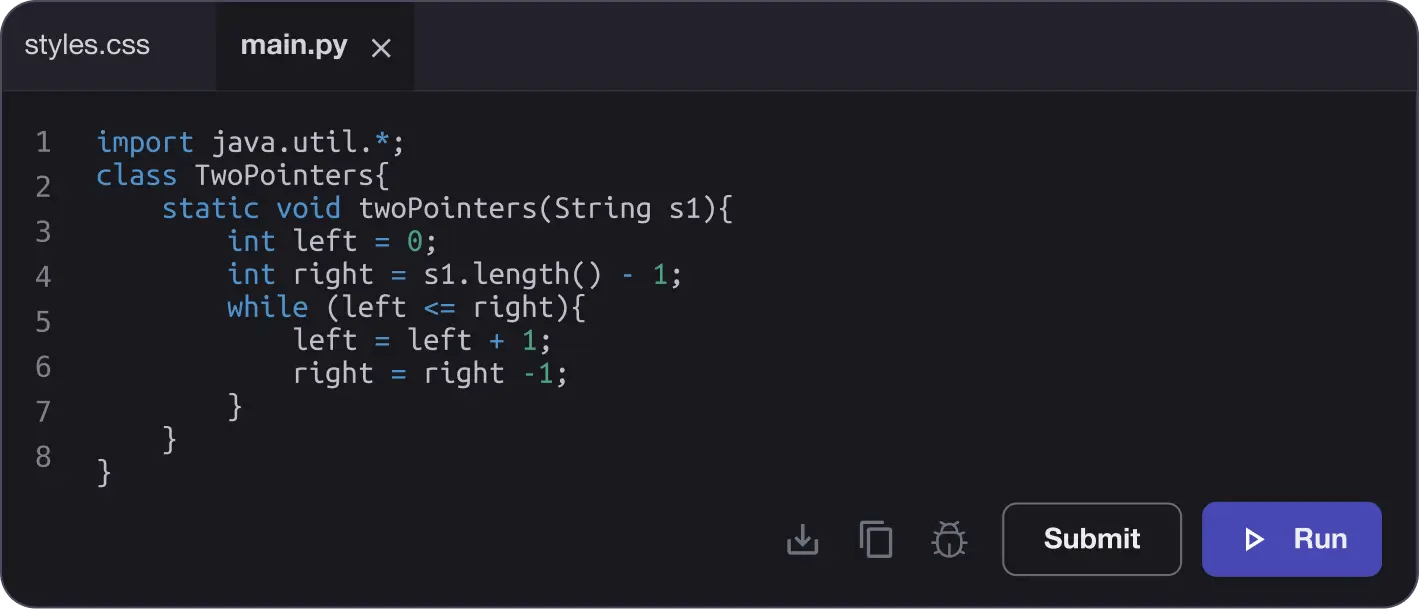
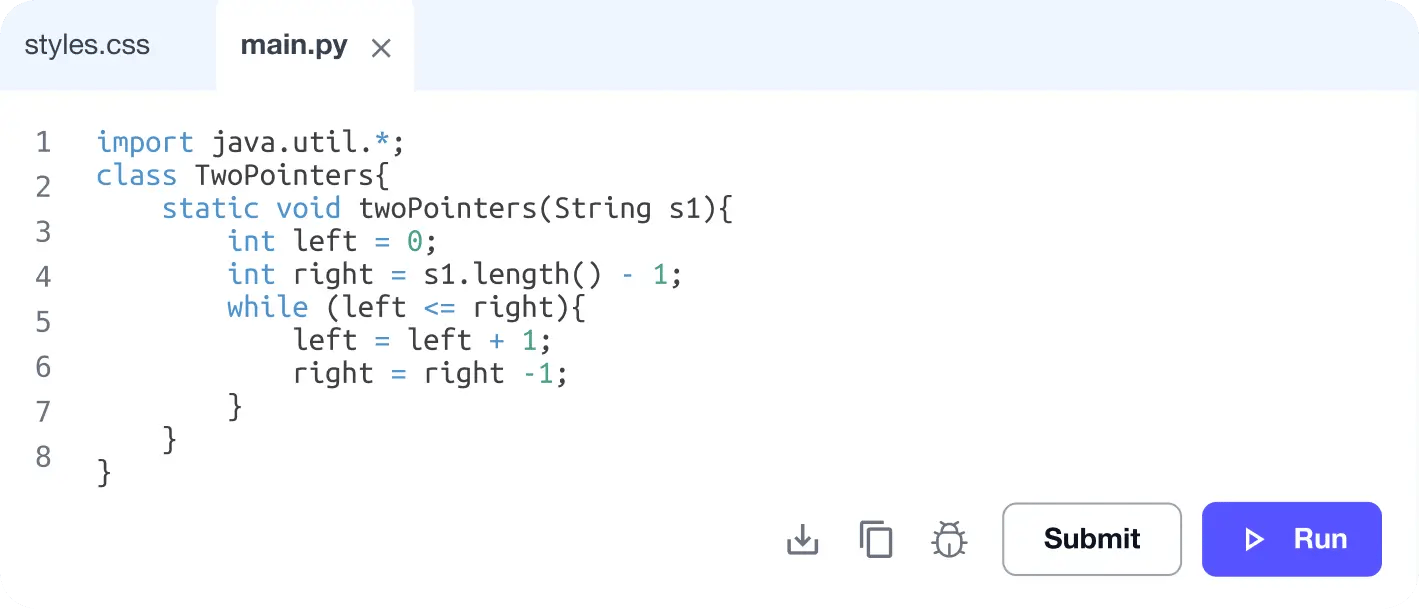
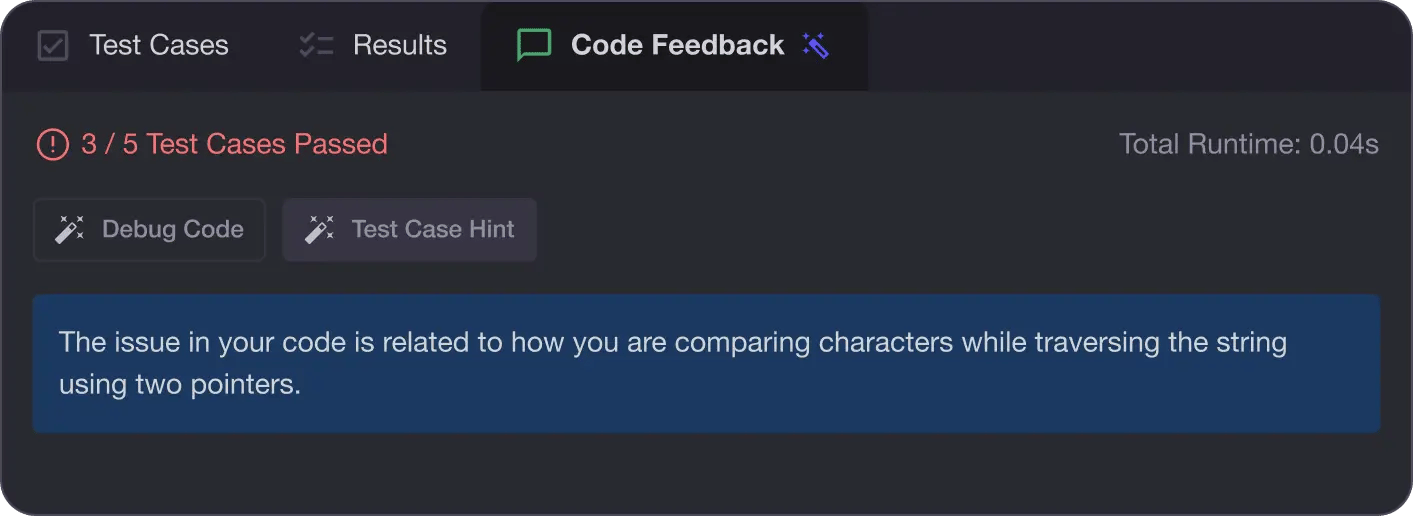
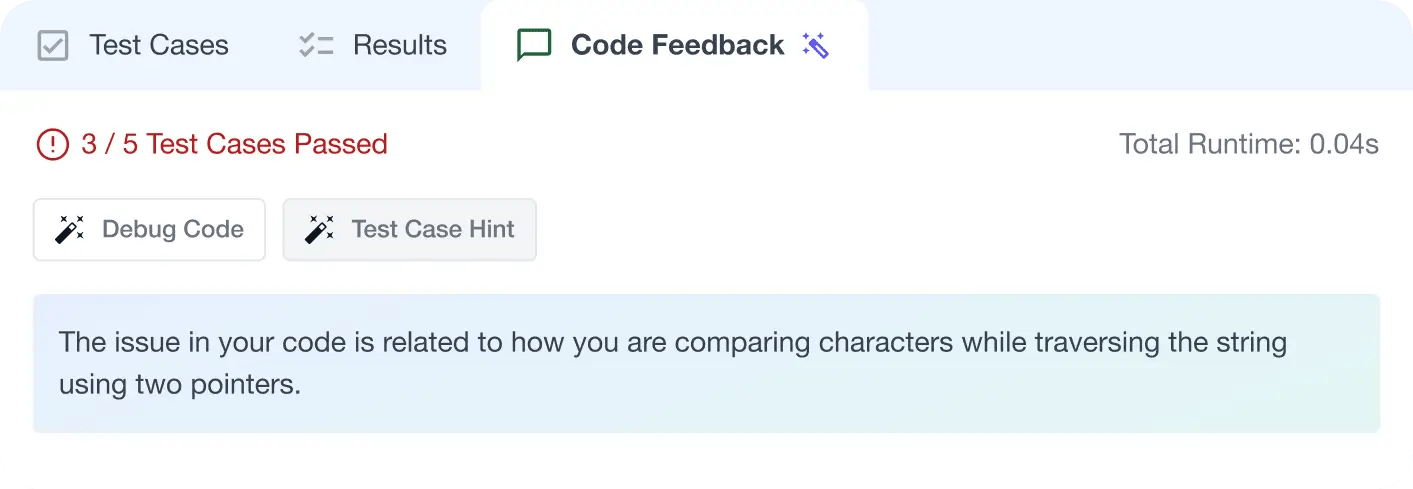
Write better code with AI feedback, smart debugging, and "Ask AI"
MAANG+ Interview Prep
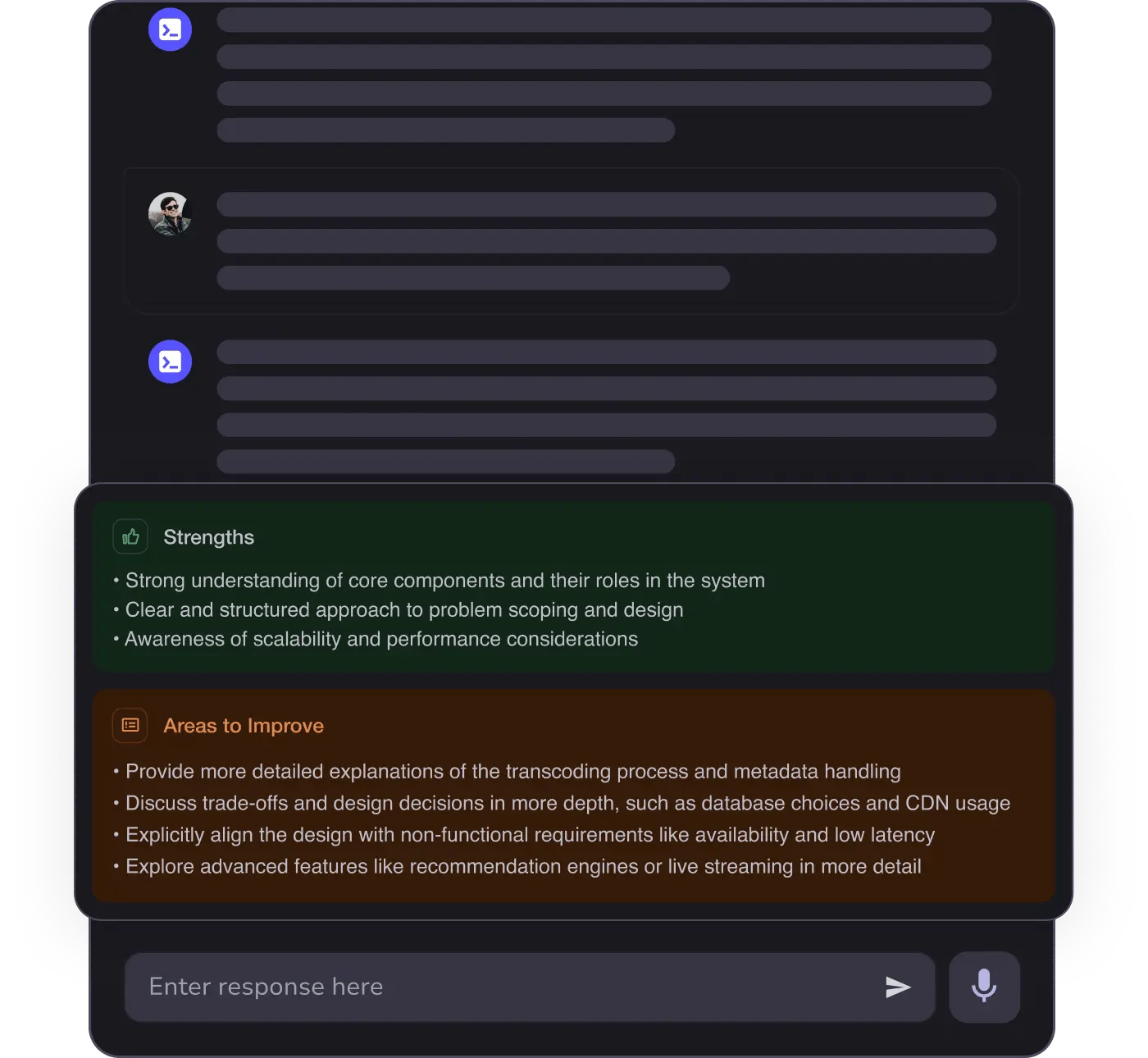
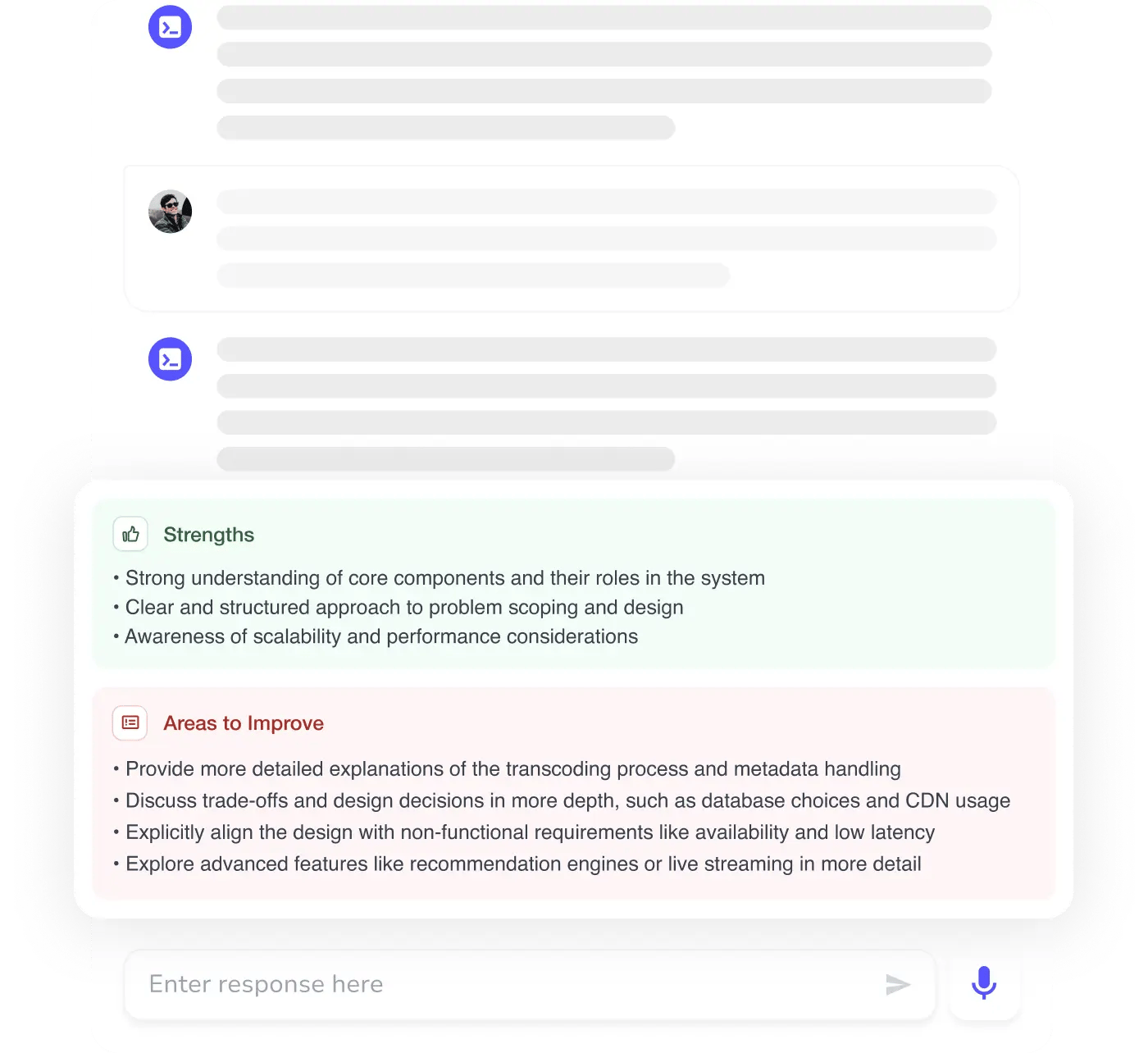
AI Mock Interviews simulate every technical loop at top companies