Responsive and Adaptive UI in Flutter
Gain insights into responsive and adaptive UI in Flutter, explore powerful widgets, external packages, and hands-on coding to build user-friendly, cross-platform applications.
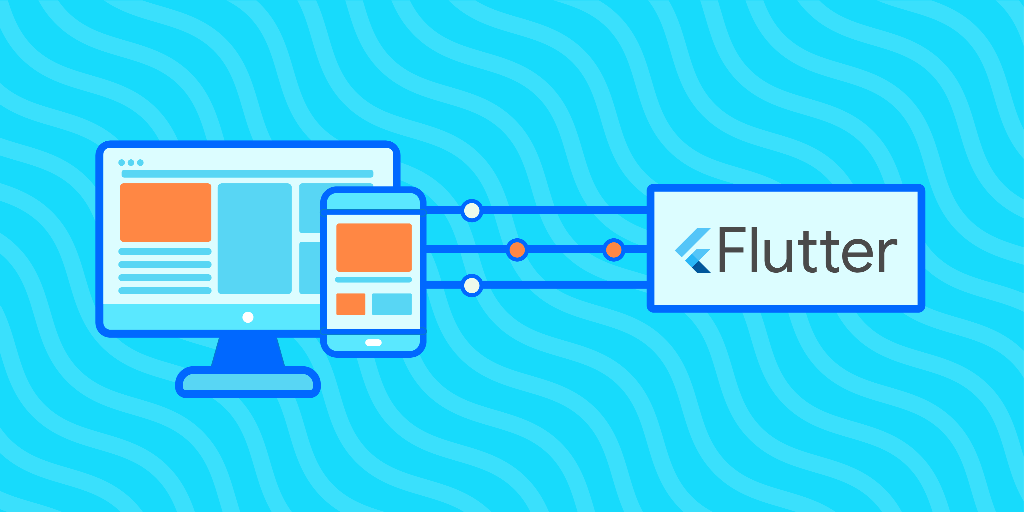
- 50 lessons across 11 modules
- 16 quizzes with instant feedback
- AI Tutor on every lesson
Join 3.1 million developers at
What You'll Learn
- A strong understanding of user interface design best practices, particularly responsive and adaptive applications
- A working knowledge of Flutter and its UI widgets
- A deep familiarity with Flutter’s expansive external packages to improve UI design
- Hands-on experience building responsive and adaptive UI using Flutter
Learning Roadmap
1.
Introduction
Introduction
2.
Basic Single-Child Layout Widgets
Basic Single-Child Layout Widgets
3.
Basic Multi-Child Layout Widgets
Basic Multi-Child Layout Widgets
9 Lessons
9 Lessons
4.
The Problem of Starting with a Smartphone
The Problem of Starting with a Smartphone
3 Lessons
3 Lessons
5.
Measure your Sizes - Responsive UI Widgets
Measure your Sizes - Responsive UI Widgets
5 Lessons
5 Lessons
6.
Different Widgets for Different Sizes
Different Widgets for Different Sizes
5 Lessons
5 Lessons
7.
Avoid Gigantic Widgets
Avoid Gigantic Widgets
8 Lessons
8 Lessons
8.
Adaptive Design
Adaptive Design
4 Lessons
4 Lessons
9.
External Packages
External Packages
3 Lessons
3 Lessons
11.
Appendix: Other Resources
Appendix: Other Resources
2 Lessons
2 Lessons
Michele Volpato
I’m a mobile software developer who loves to program using Flutter. I write about programming on my blog and I publish a weekly newsletter about Flutter. Currently I am a senior Flutter software engineer at the largest Dutch supermarket chain.
Trusted by 3.1 million developers working at companies
Anthony Walker
@_webarchitect_
Evan Dunbar
ML Engineer
Software Developer
Carlos Matias La Borde
Souvik Kundu
Front-end Developer
Vinay Krishnaiah
Software Developer
Built for 10x Developers