Search
Explore how to integrate search functionality into an Android Travel Blog application. Understand implementing SearchView in the toolbar, customizing input field colors via themes, and creating filter logic in the adapter to manage dynamic search results effectively.
We'll cover the following...
We'll cover the following...
Final result preview
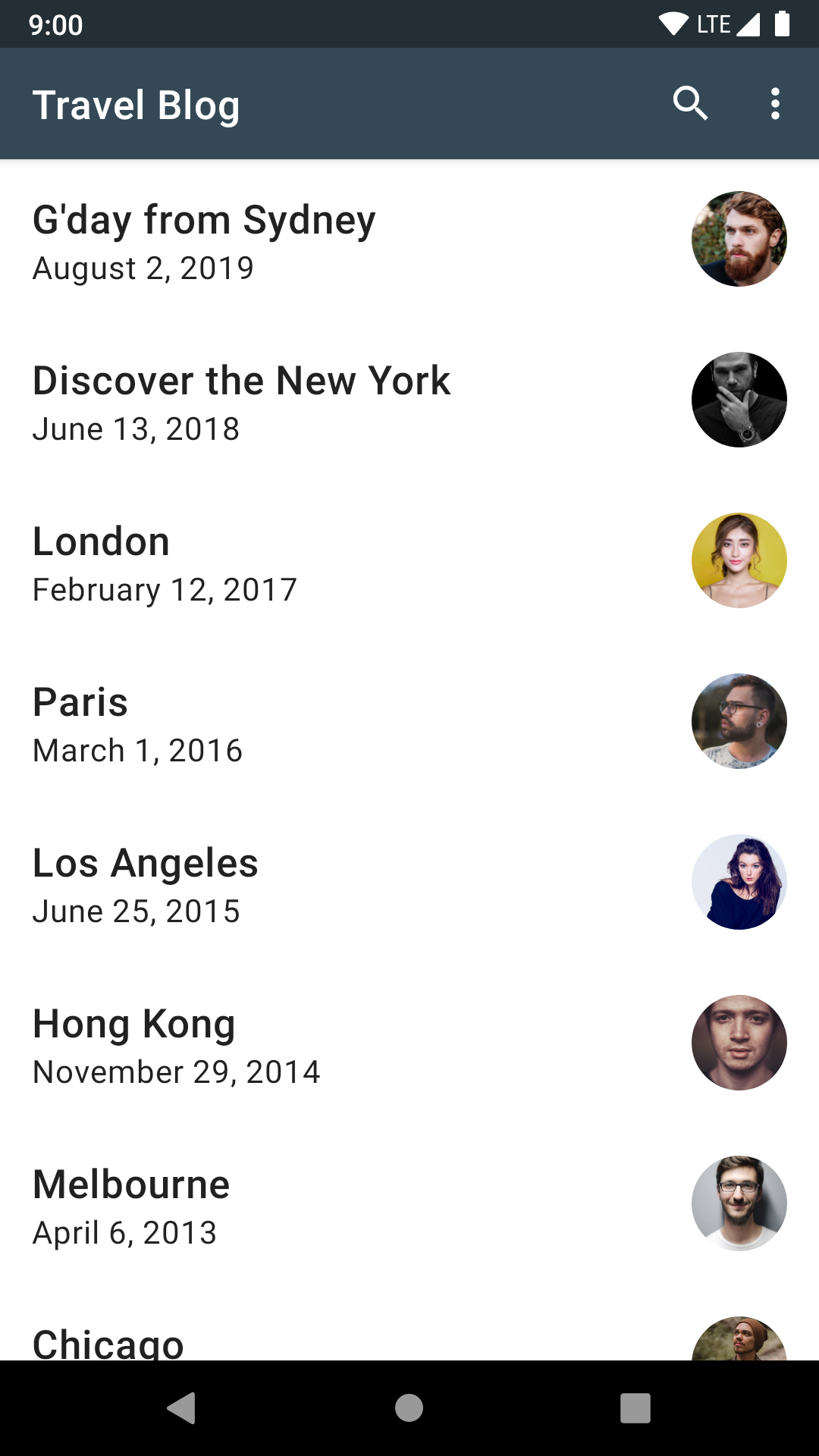
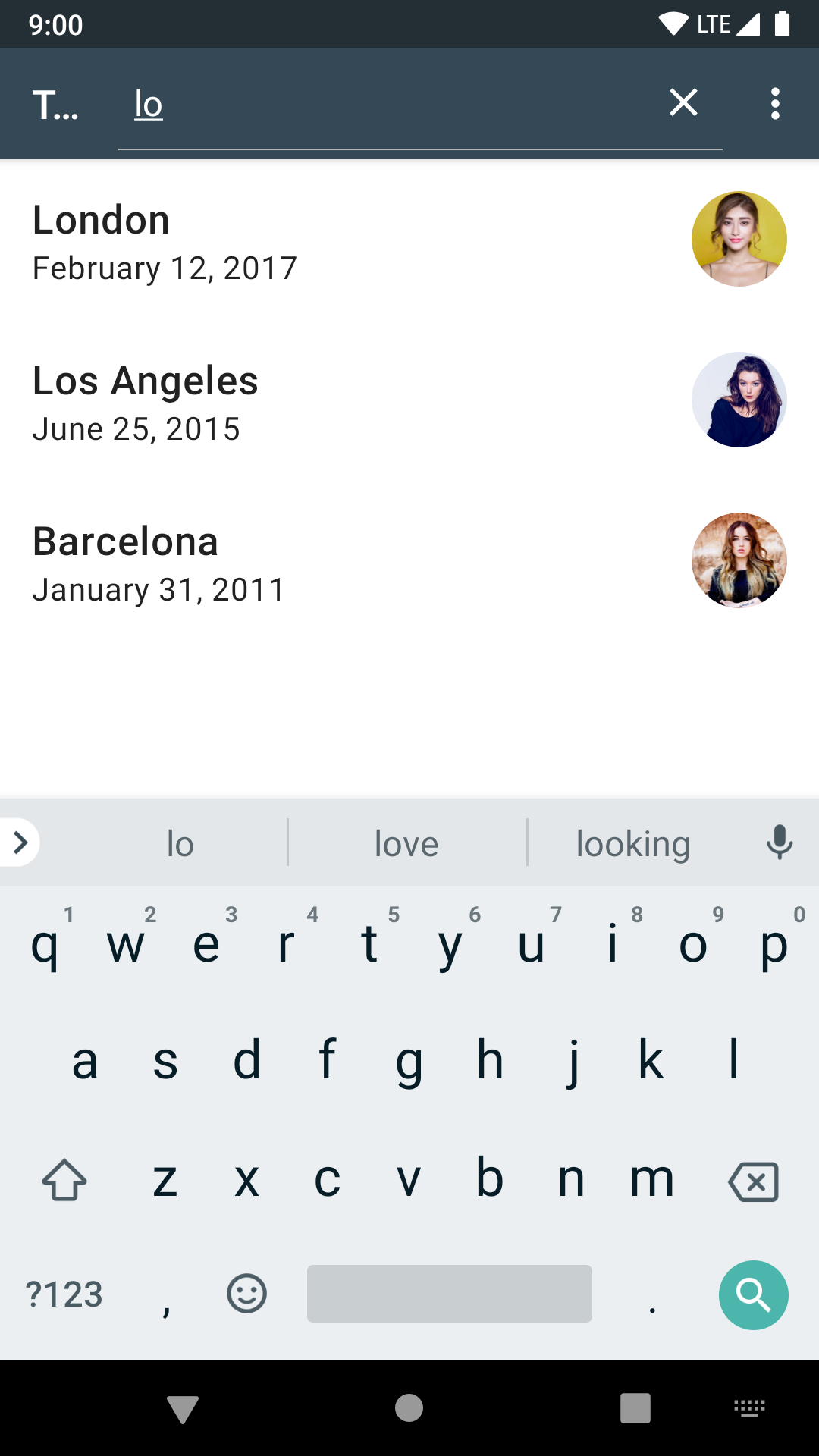
Toolbar menu
In a similar manner to how we added sort item to the toolbar menu, we can add search item with few adjustments:
- To always show the search icon, we will use the
showAsAction="always"attribute and specify icon viaiconattribute. - The logic to expand the search icon to the search field is already available in the Android framework. We can use it by setting
actionViewClassattribute value to the
...