Build the Functionality
Explore how to build essential JavaScript functions to create the functionality of a budget tracker app. Learn to manage income and expenses with reusable code, structure your program logically, and implement a simple command-line interface for interactive use. This lesson guides you step-by-step in coding functions, organizing your application, and testing your code for a working budget tracking solution.
We'll cover the following...
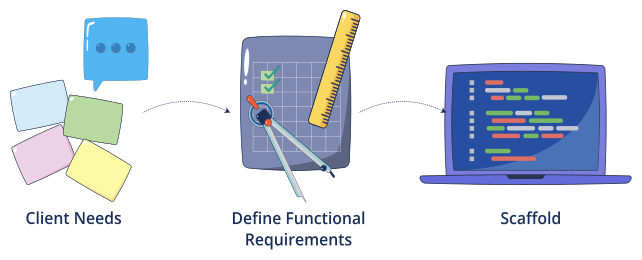
In the previous lesson, you:
Chatted with a simulated client and gathered needs.
Converted notes into functional requirements.
Created a clean skeleton of eight function stubs.
Next, we’ll code the two core functions, scaffold the rest with AI, and add tests plus a reference solution.

We’ll keep a tiny in-memory data model:
// Monthly income (one number we can update)let income = 0.0;// A growing list of expenses// Each entry: { category: string, amount: number }let expenses = [];// Allowed categories for expense loggingconst allowedCategories = ["Food", "Rent", "Transport", "Entertainment","Utilities", "Health", "Education", "Other"];
We’ll use the following conventions:
Use positive amounts only.
Use arrays and objects (no external libraries or file I/O).
Keep functions small and reusable. ...