HomeCoursesLearn Git the Hard Way
AI-powered learning
Save

Learn Git the Hard Way

Gain hands-on experience with Git exploring core concepts like initializing and branching to advance techniques such as Git stash and cherry-picking. Solidify understanding by completing assessments.

4.5
86 Lessons
2h 30min
Join 2.9 million developers at

Learning Roadmap

86 Lessons4 Assessments

1.

Introduction

Introduction

Get familiar with a hands-on approach to mastering Git through practical exercises.

2.

Introduction to Git

Introduction to Git

Look at Git's distributed system, key phases, branches, GitHub integration, and unique features.

3.

Git Basics

Git Basics

7 Lessons

7 Lessons

Work your way through foundational Git commands and practical repository management techniques.

4.

Clone a Repository

Clone a Repository

5 Lessons

5 Lessons

Grasp the fundamentals of cloning, managing, and recovering Git repositories effectively.

5.

Git Branching

Git Branching

6 Lessons

6 Lessons

Solve problems in creating and managing Git branches for parallel development.

6.

Merging

Merging

5 Lessons

5 Lessons

Focus on mastering Git merging, handling conflicts, and managing version histories.

7.

Git Stash

Git Stash

4 Lessons

4 Lessons

Build on Git Stash to save, manage, and reapply changes efficiently.

8.

Git Add Interactive

Git Add Interactive

2 Lessons

2 Lessons

Learn how to use Git Add Interactive to enhance staging and commit management.

9.

Reflog

Reflog

3 Lessons

3 Lessons

Unpack the core of Git reflog to manage and recover repository states effectively.

10.

Cherry Picking

Cherry Picking

4 Lessons

4 Lessons

Examine the process and challenges of cherry-picking commits between branches in Git.

11.

Git Rebase

Git Rebase

3 Lessons

3 Lessons

Grasp the fundamentals of Git rebase, simplifying commit history, and managing branches effectively.

12.

Git Bisect

Git Bisect

4 Lessons

4 Lessons

Solve problems in identifying bugs with `git bisect` and enhanced commit navigation.

13.

Fetching and Pulling Content

Fetching and Pulling Content

3 Lessons

3 Lessons

Investigate fetching, pulling, and managing changes between Git repositories using 'git fetch' and 'git pull'.

14.

Working With Multiple Repositories

Working With Multiple Repositories

3 Lessons

3 Lessons

Piece together the parts of managing multiple Git repositories and synchronizing changes.

15.

Pushing Code

Pushing Code

5 Lessons

5 Lessons

Learn how to use Git push commands, manage branches, and resolve conflicts in collaborative environments.

16.

Git Submodules

Git Submodules

5 Lessons

5 Lessons

Get started with incorporating and managing Git submodules effectively in larger projects.

17.

Pull Requests

Pull Requests

2 Lessons

2 Lessons

Go hands-on with creating and managing pull requests, involving forking and branching.

18.

Git Log

Git Log

3 Lessons

3 Lessons

Grasp the fundamentals of visualizing and customizing Git commit history using 'git log'.

19.

Squashing Commits

Squashing Commits

3 Lessons

3 Lessons

Solve problems in squashing Git commits to streamline and organize project history efficiently.

20.

Bare Repositories

Bare Repositories

4 Lessons

4 Lessons

Investigate central storage in bare repositories, setup, squashing commits, and merge challenges.

21.

Cherry-Picking and Three-Way Merges

Cherry-Picking and Three-Way Merges

3 Lessons

3 Lessons

Master the steps to using cherry-pick, diff-tree, three-way merges, and handling conflicts.

22.

Git Hooks

Git Hooks

4 Lessons

4 Lessons

Get familiar with using Git hooks to automate tasks and enforce workflow rules.
Certificate of Completion
Showcase your accomplishment by sharing your certificate of completion.
Author NameLearn Git the HardWay
Developed by MAANG Engineers
ABOUT THIS COURSE
Git is one of the most widely used version control tools, and is something that every developer should become comfortable with. In this course, you will get hands-on experience working with Git so that when it comes time to use it, you’ll be ready. You’ll start by learning some of the more fundamental concepts such as initializing a Git repository, adding files to a repository, and how to commit changes. You’ll also learn how to clone a repository, and how to create branching. You’ll then make your way to some more advanced concepts like Git stash, cherry-picking, working with multiple repositories, pushing code, and a lot more. To really test your understanding, you will complete four assessments that start with the core basics and go all the way up to advanced Git. By the end of this course, you will have a proficient and working knowledge of Git which will serve you well throughout your career.
ABOUT THE AUTHOR

Ian Miell

Ian is a software developer, writer, and trainer with over two decades' experience designing, building, and maintaining some of the busiest software systems in the world.

Learn more about Ian

Trusted by 2.9 million developers working at companies

These are high-quality courses. Trust me the price is worth it for the content quality. Educative came at the right time in my career. I'm understanding topics better than with any book or online video tutorial I've done. Truly made for developers. Thanks

A

Anthony Walker

@_webarchitect_

Just finished my first full #ML course: Machine learning for Software Engineers from Educative, Inc. ... Highly recommend!

E

Evan Dunbar

ML Engineer

You guys are the gold standard of crash-courses... Narrow enough that it doesn't need years of study or a full blown book to get the gist, but broad enough that an afternoon of Googling doesn't cut it.

S

Software Developer

Carlos Matias La Borde

I spend my days and nights on Educative. It is indispensable. It is such a unique and reader-friendly site

S

Souvik Kundu

Front-end Developer

Your courses are simply awesome, the depth they go into and the breadth of coverage is so good that I don't have to refer to 10 different websites looking for interview topics and content.

V

Vinay Krishnaiah

Software Developer

Built for 10x Developers
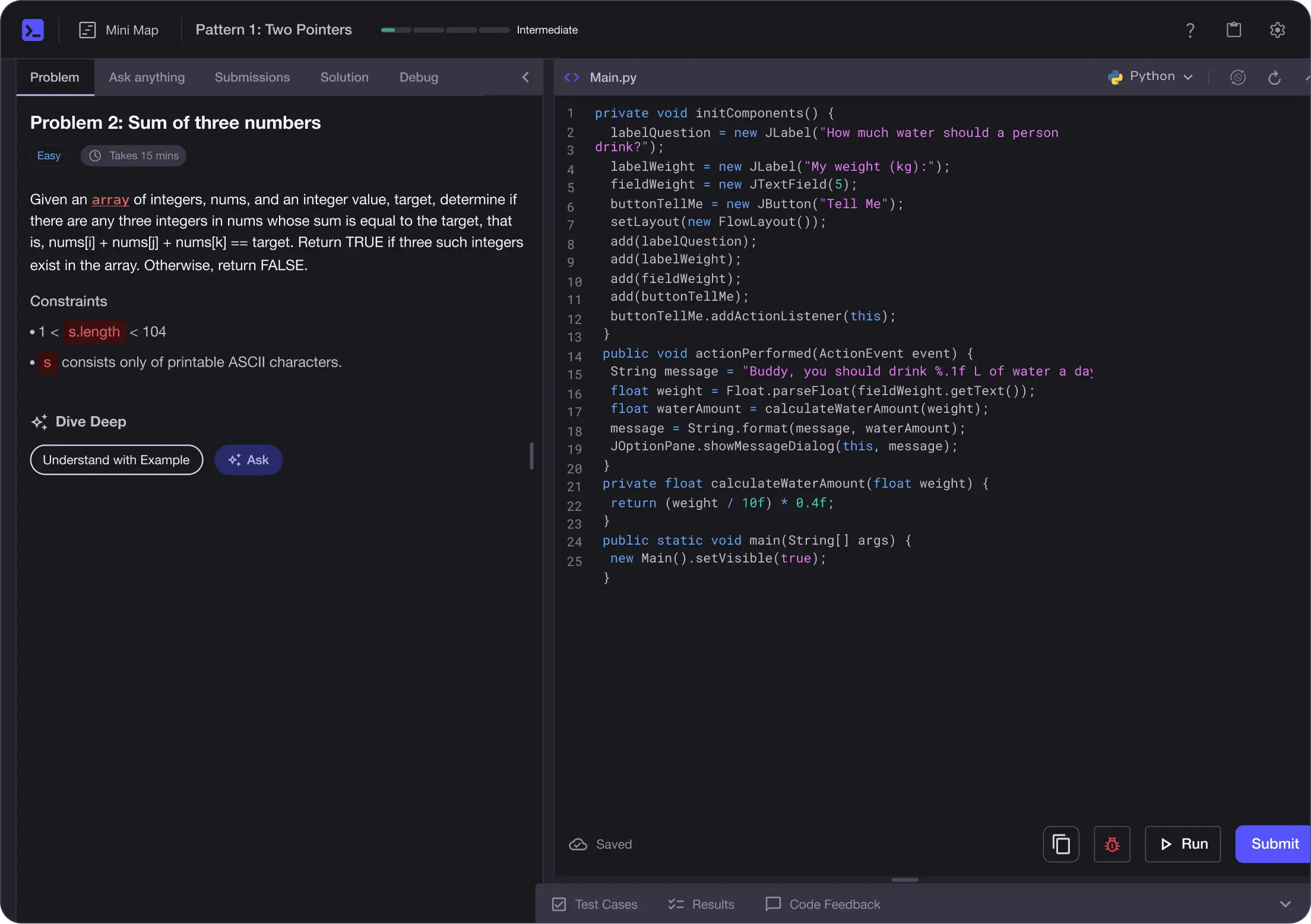
No Passive Learning
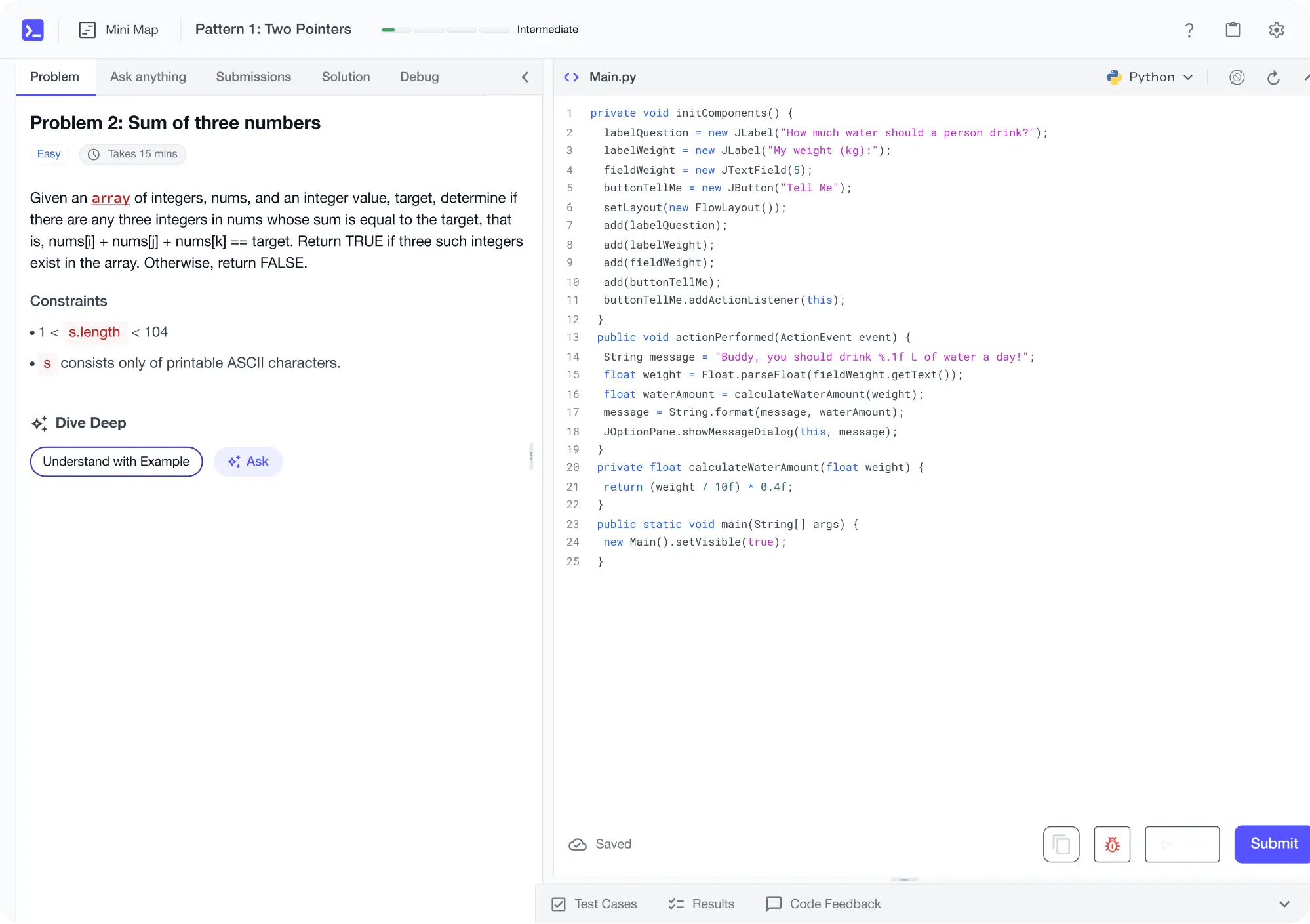
Learn by building with project-based lessons and in-browser code editor
Learn by Doing
Personalized Roadmaps
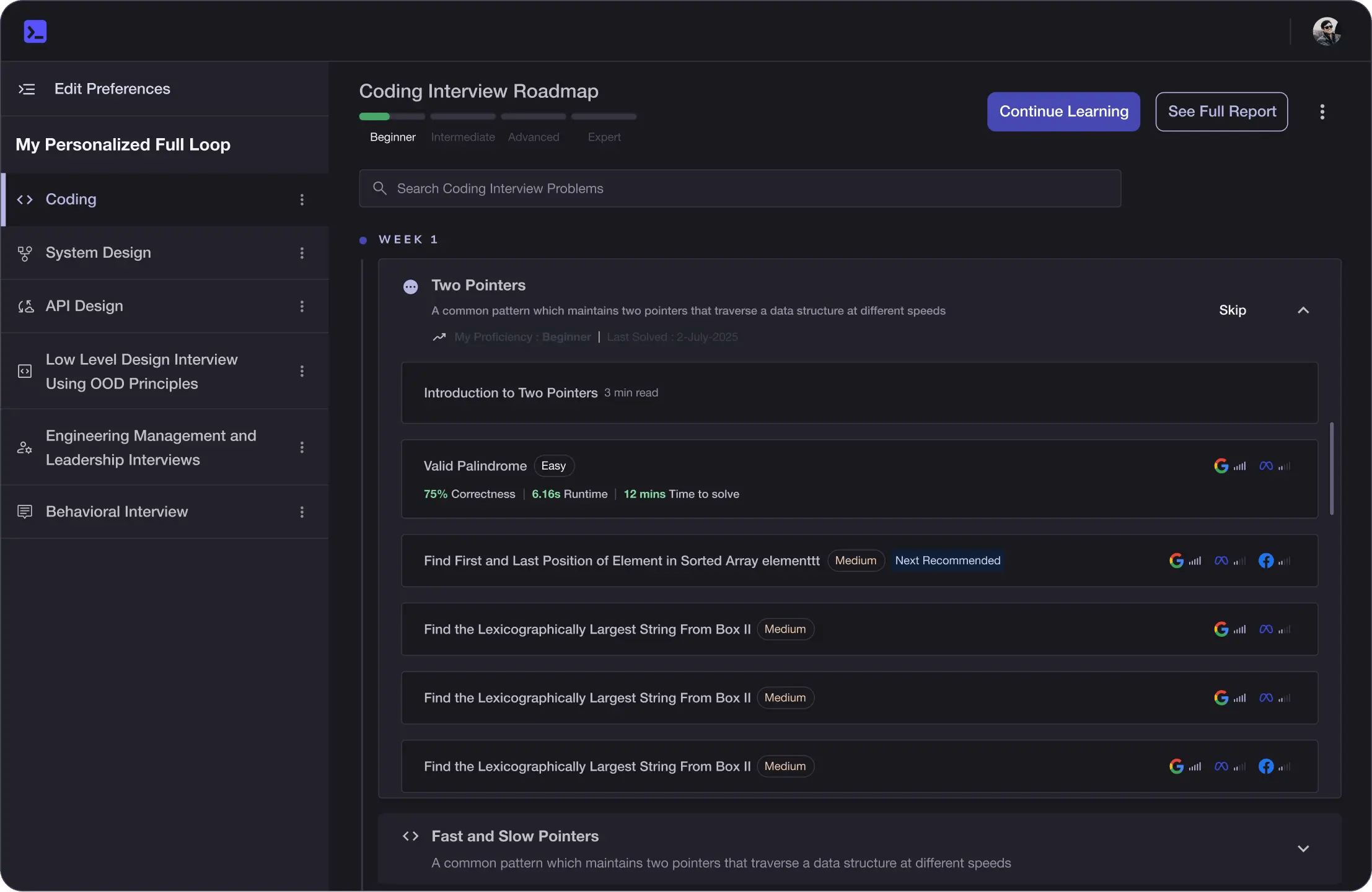
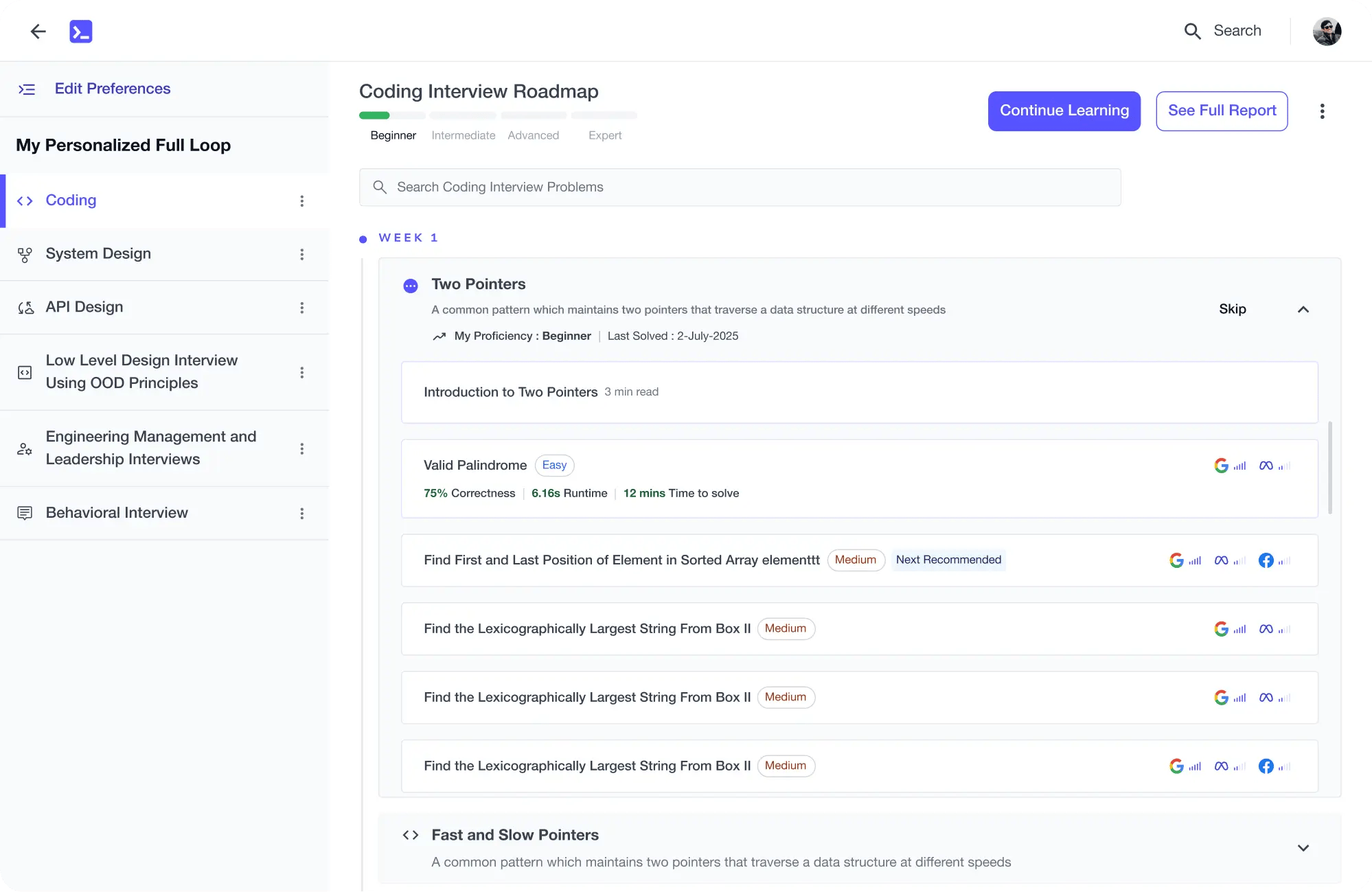
The platform adapts to your strengths & skills gaps as you go
Learn by Doing
Future-proof Your Career
Get hands-on with in-demand skills
Learn by Doing
AI Code Mentor
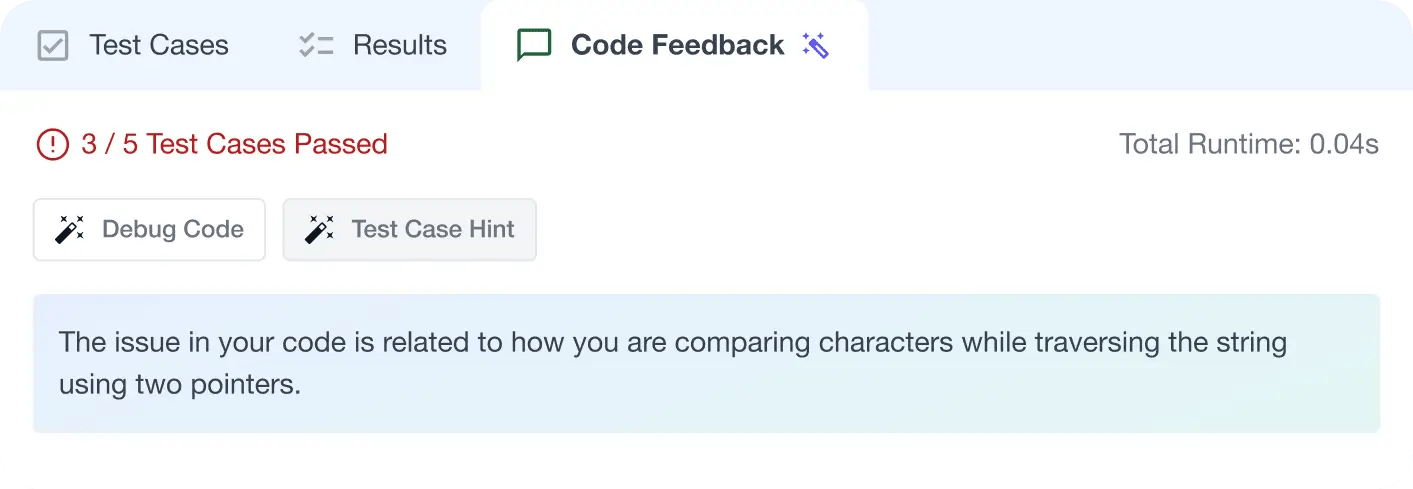
Write better code with AI feedback, smart debugging, and "Ask AI"
Learn by Doing
Learn by Doing
MAANG+ Interview Prep
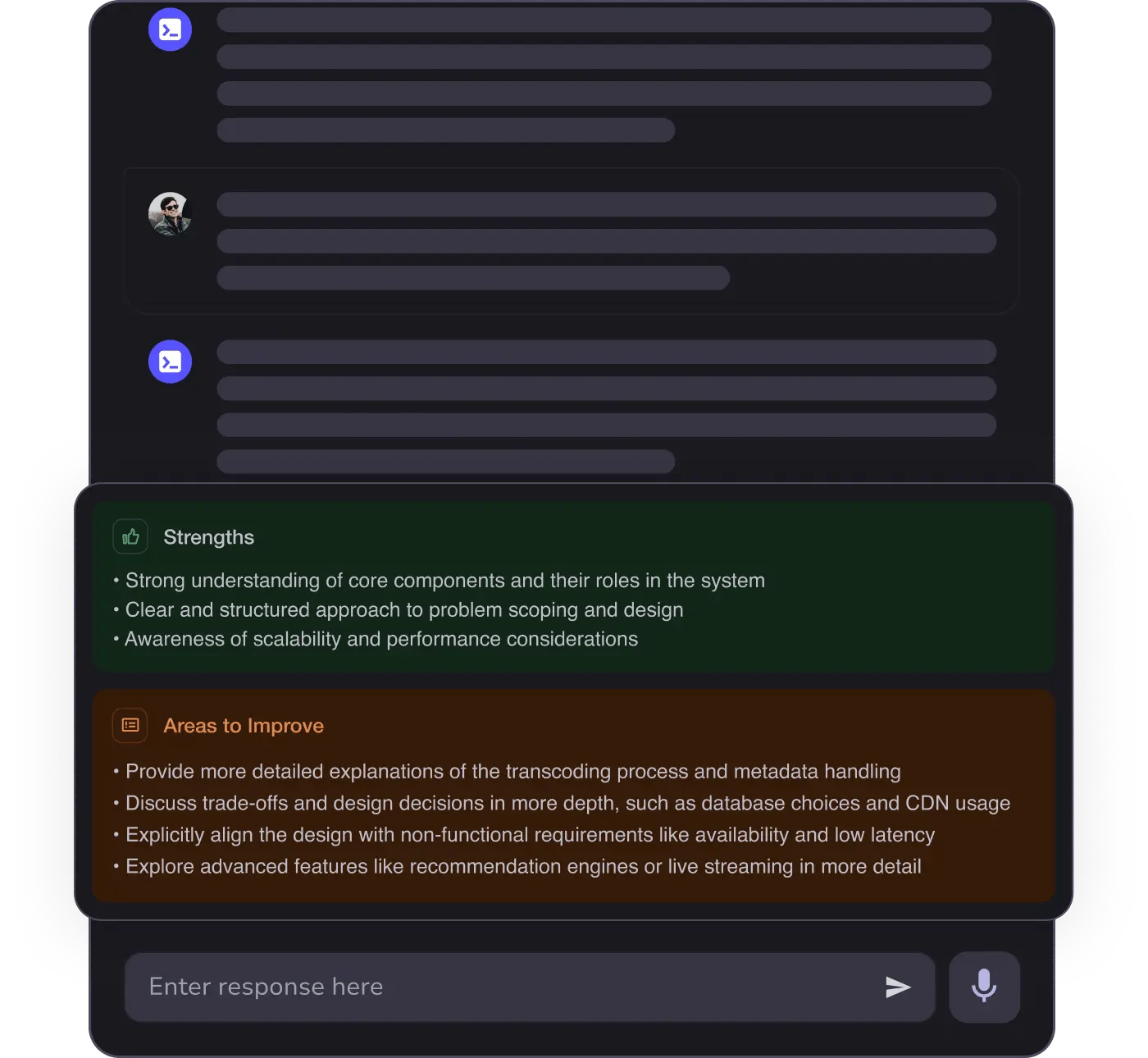
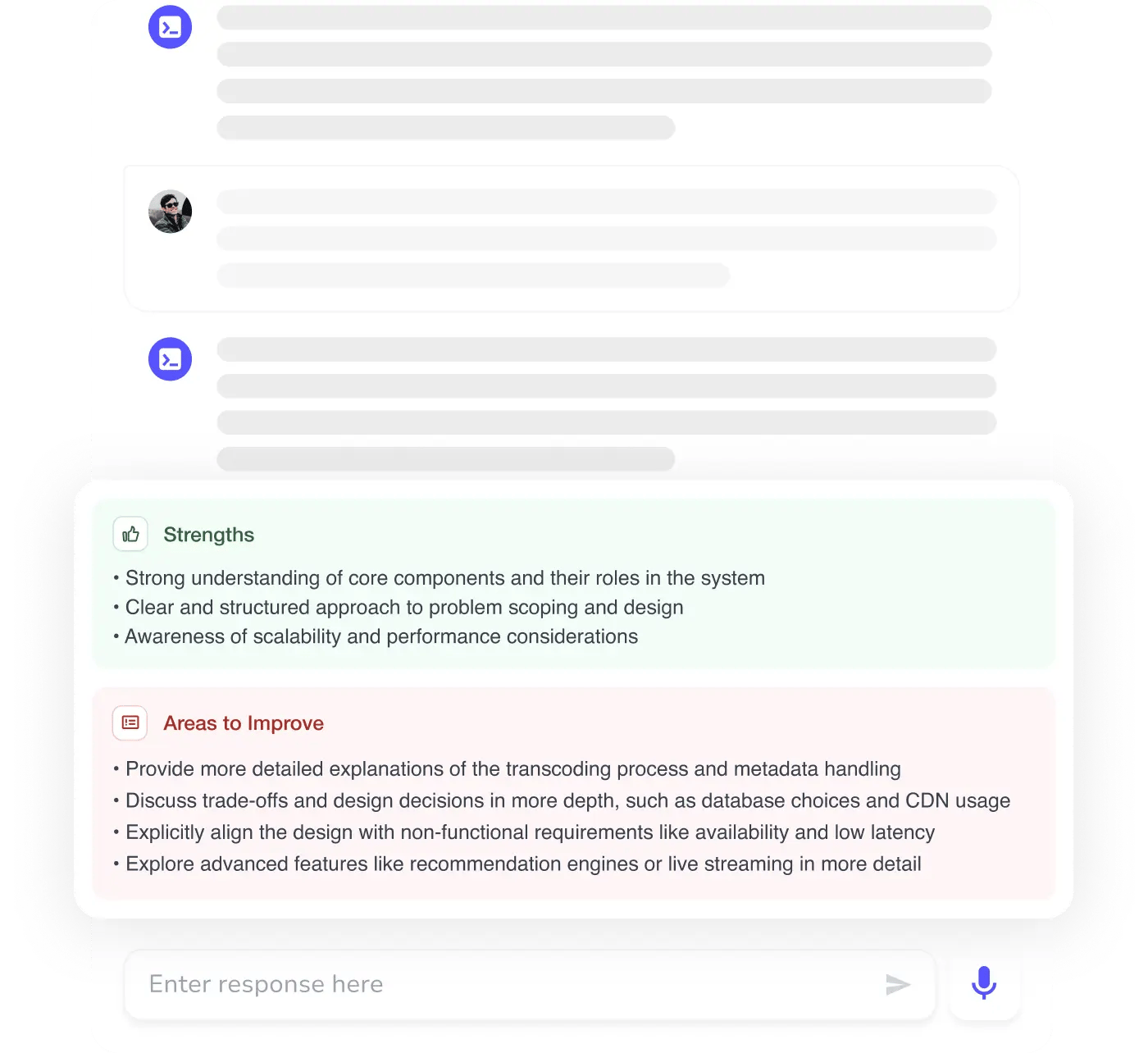
AI Mock Interviews simulate every technical loop at top companies
Learn by Doing